
When using QuickCards for the first time, it is important to have students link their Gmail Account with Classlink. This has to be done after a student user signs in with their username and password.
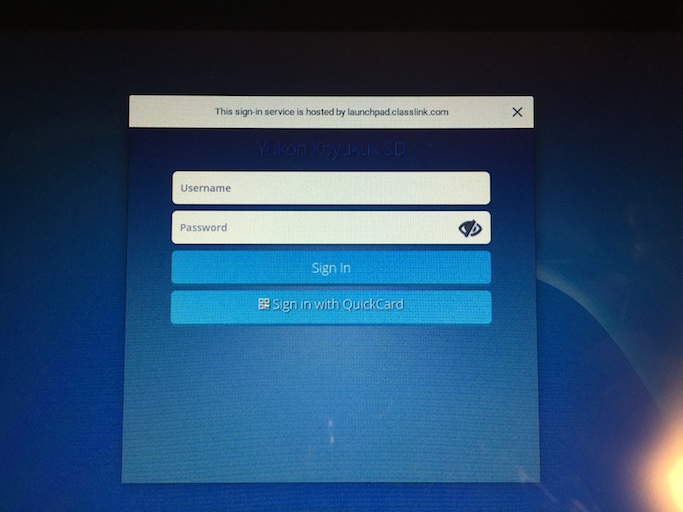
At the new Sign In Screen, have the student type in their Username and Password from PowerSchool (see https://yksd.happyfox.com/kb/article/18-retrieving-student-login-info for instructions for retrieving the student's username and password) :
Click on the user icon on the top left hand corner of the screen and click 'My Profile':

Click 'Sign-In Options' on the left hand side of the new window, and push 'Connect' next to Google Account:

A new window will appear, click on the student's account to continue:

A new Success screen will appear confirming the link:

Students can now sign in with QuickCards and will not need their username and password to sign in.
Comments
0 comments
Please sign in to leave a comment.